Landlevelling made easy
10 easy steps from Survey to Design and Control
Equalizer, The tool to make designs in the field
Survey
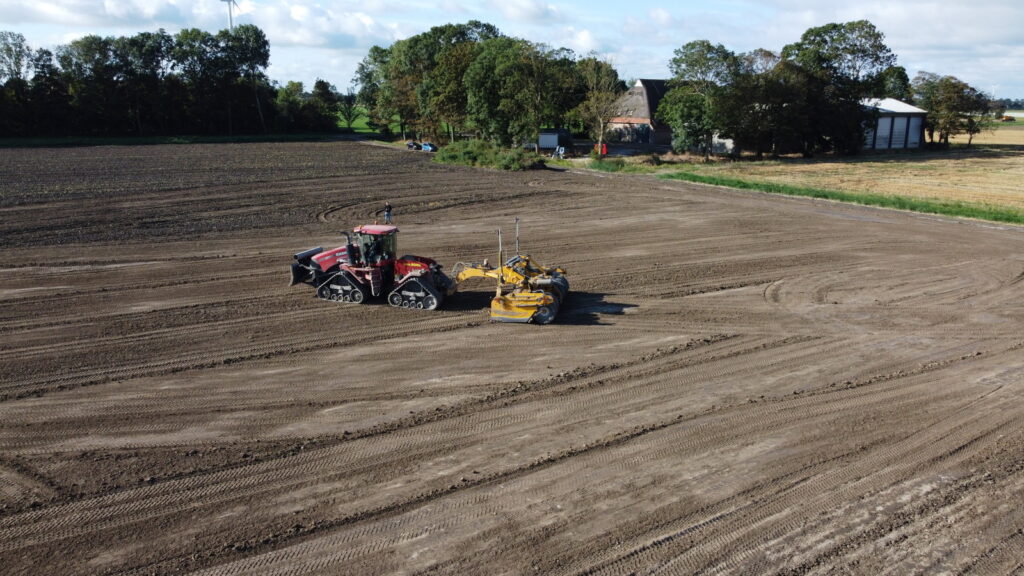
Survey the field using the Leica Geosystems MC1 software on your scraper/Kilver. Log points by simply driving. Log Left, Centre and Right tip of the blade in one go. Create different projects to separate jobs and inside a project add fields.
Sync
Sync the data from the survey to a USB or into the cloud using ConX.

Read
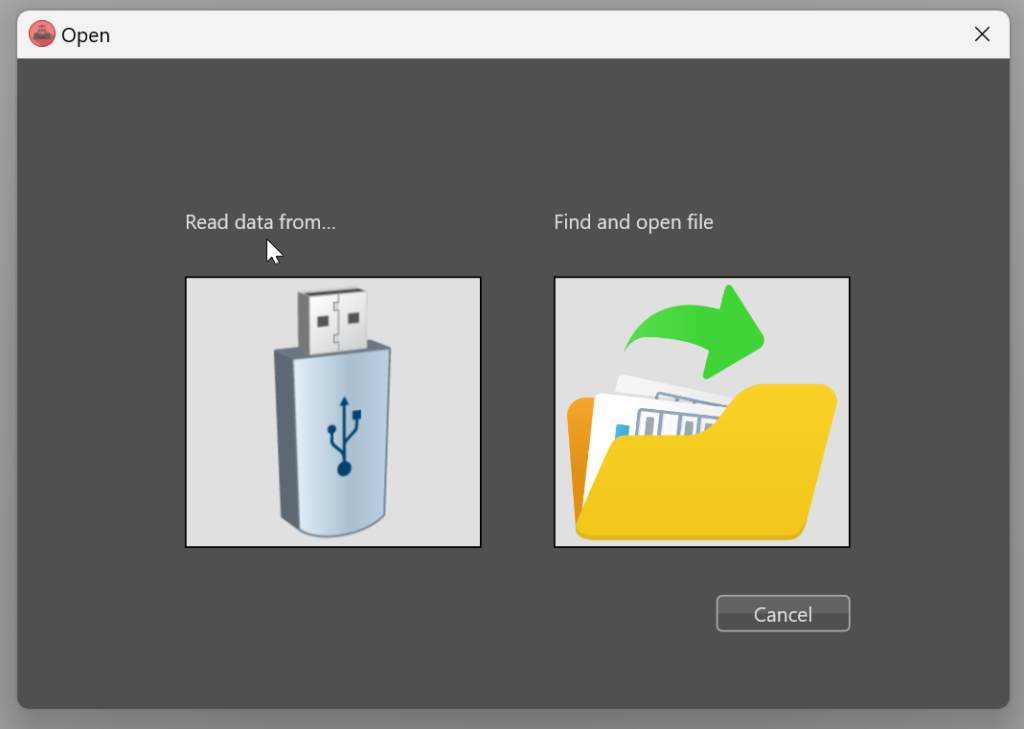
Insert the USB and select the right project and measurement file.
Offset
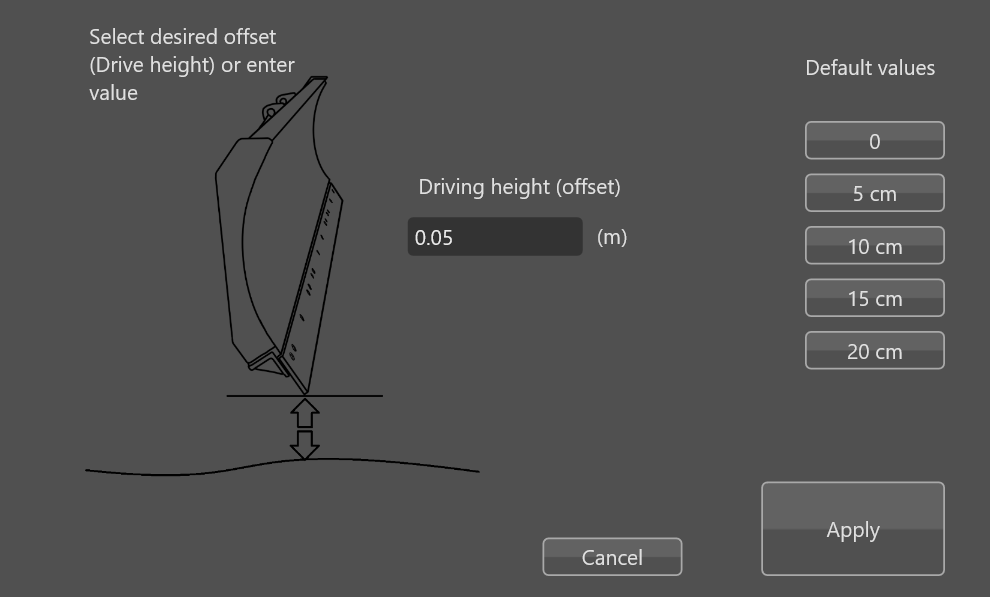
Surveying the field can not be done with the blade on the ground. Correct the data during import with a fixed offset to correct for the driving height. After this you can work with the correct levels of the terrain.
Edit
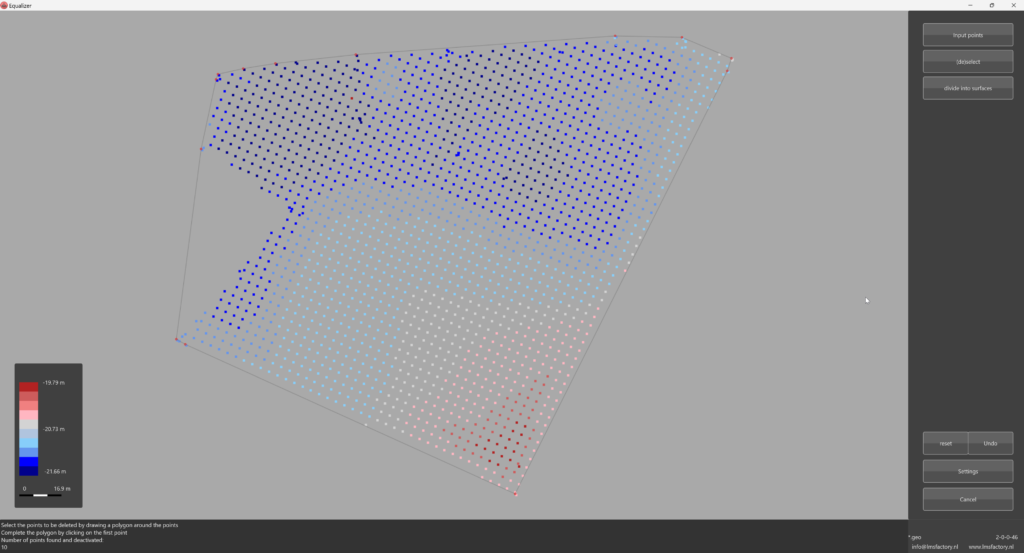
The collected data can be edited by removing unwanted parts or measurements. Or maybe you want to split the parcel into 2 different models. All can be done with some simple mouseclicks.
Set Slope and direction
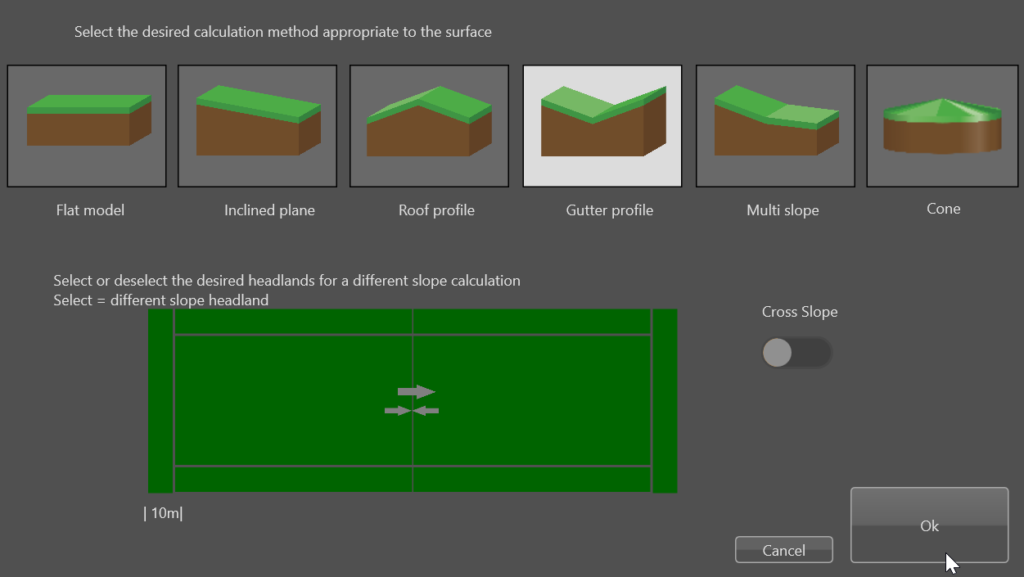
Select the type of model that fits your needs, activate the special slopes for the headlands and set the direction of the slope by simply turning the arrow in the right direction. Equalizer has different types of standard models, from a single slope up to a cone projection where the middlepoint of the field is the highest and a best fitting slope in all directions.
Settings
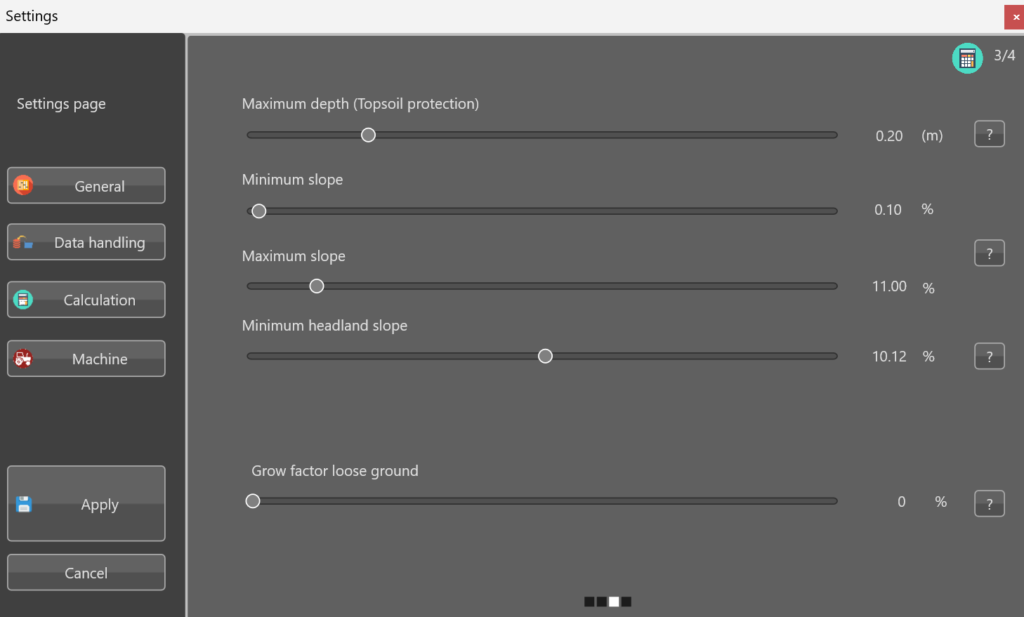
Change the settings if needed. Set the Minimum or Maximal slope to be able to distribute rainwater by maintaining grade. Avoid excess water by designing the best fitting plane. With the best fitting plane, the ground balance stays intact: no adding or removing dirt from the field.
Check
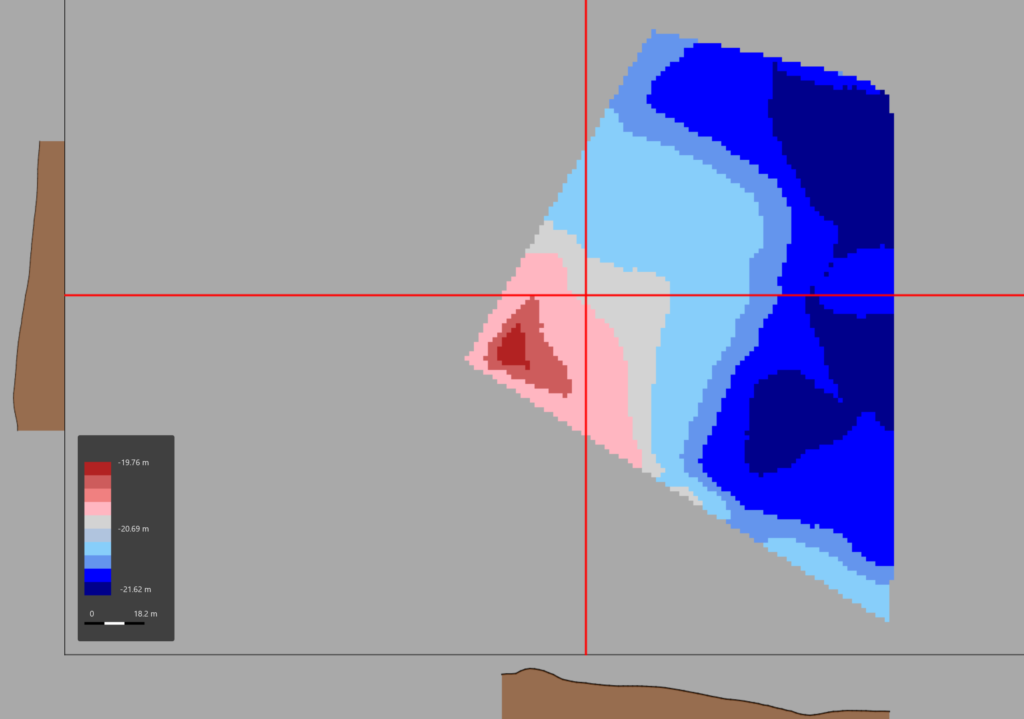
Check the result of the Survey by simply clicking in the map. The long and cross slope automatically updates to match the mouse position. If all seems ok, hit the Calculate button to get the design done.
Calculate
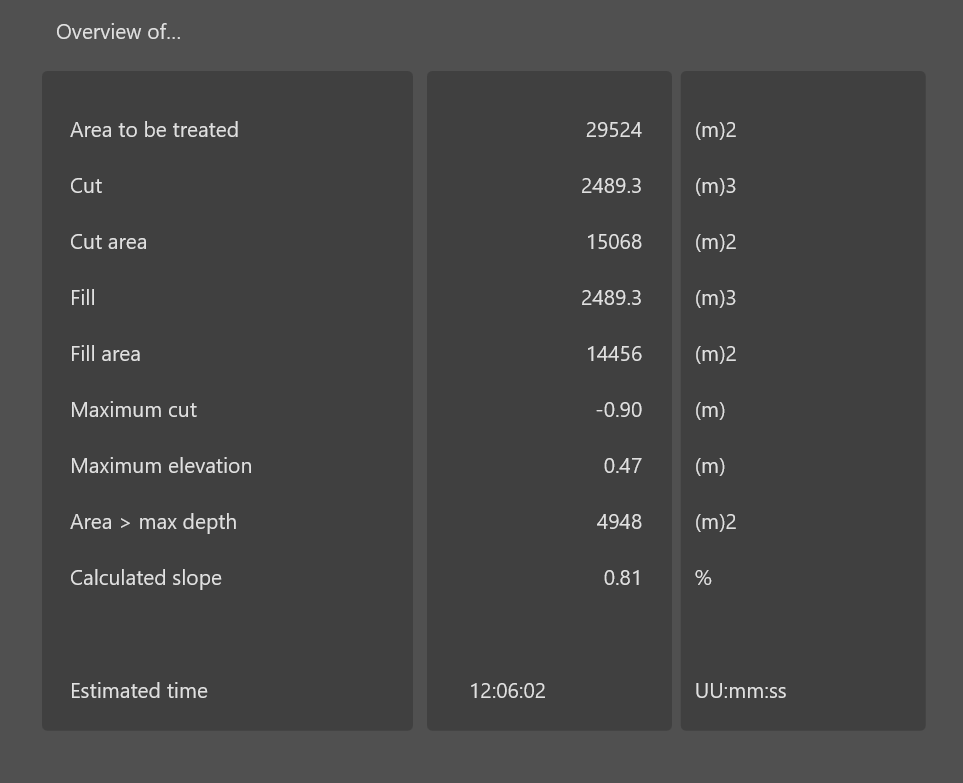
Equalizer finds the best fitting plane in the direction set by the user. The proposed design has the lowest Cut/Fill values. a warning is displayed if the maximum topsoil limit value is exceeded. This to be able to protect the valueble topsoil.
Validate

The Cross and Long slope clearly shows the results of the new calculated slope. If the design fits the needed, the last thing is to export the date back to the machine.
Export
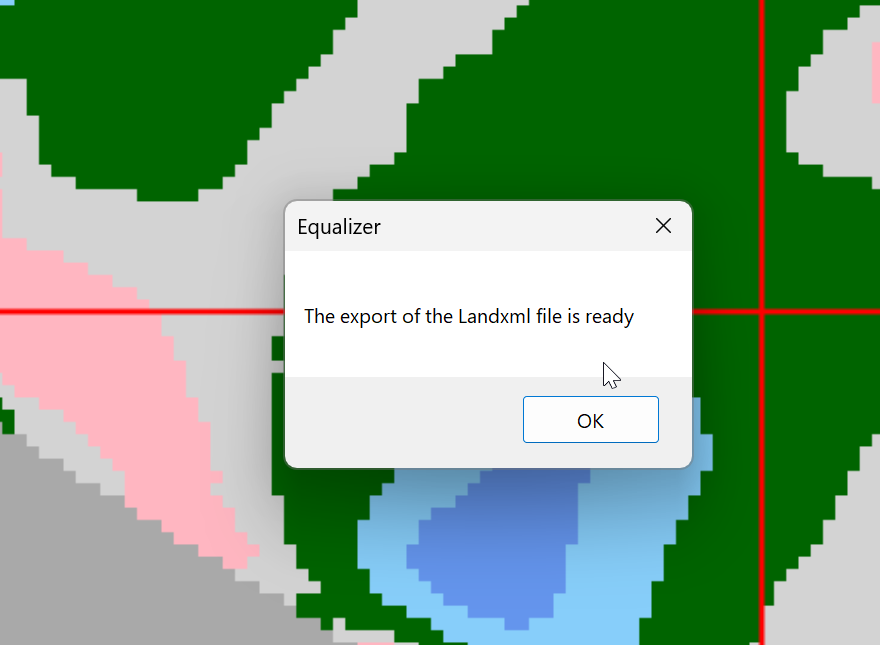
The final result is exported to a USB and synced to the panel. The grading can now start.
 page of Equalizer